Physical Address
304 North Cardinal St.
Dorchester Center, MA 02124
Physical Address
304 North Cardinal St.
Dorchester Center, MA 02124
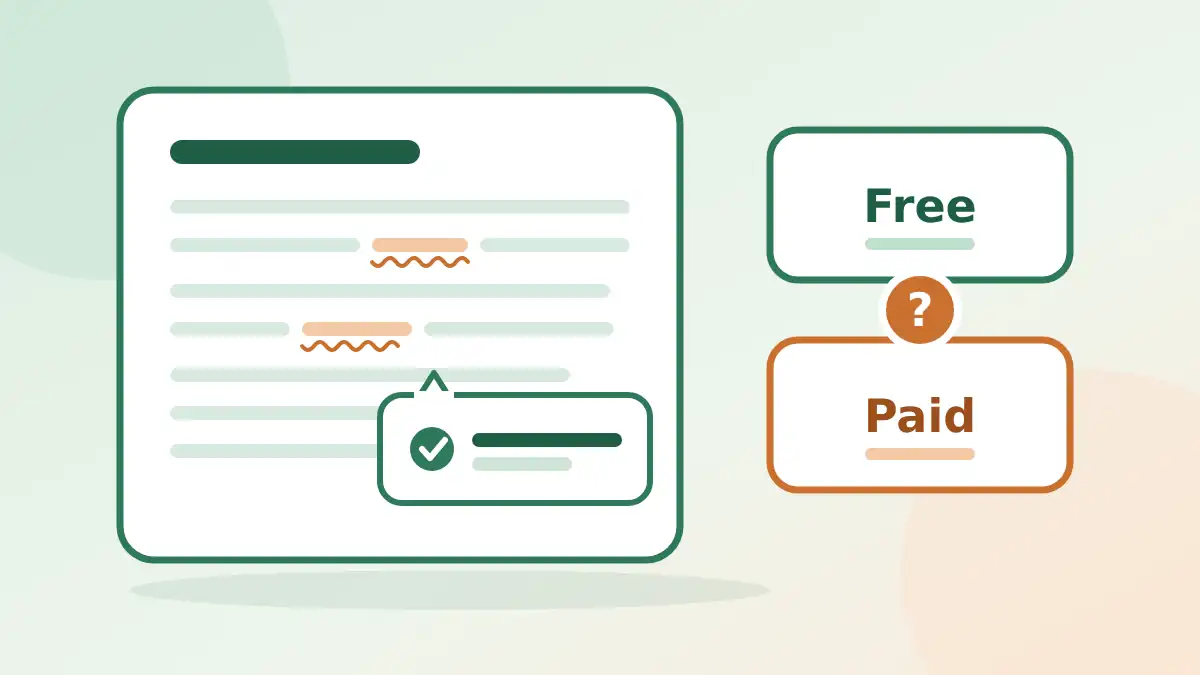
Is Grammarly worth paying for when ChatGPT and Claude can proofread for free? An honest Grammarly review for bloggers: what it does well, where it falls short, and a 10-minute test to run on your own draft.
You are about to publish, and a small voice asks: “Should I pay for Grammarly, or is the free version enough?” Then you remember that ChatGPT and Claude can proofread for free too. So why pay at all?
That is the real question behind most searches for a Grammarly review, and most reviews don’t answer it. They list features and end with “it depends.” This one gives you a way to decide in about ten minutes, using your own writing.
One honest note first. This is a review of how Grammarly works and who it suits, not a lab report. I’m not printing accuracy percentages or scores, because they depend on your kind of writing. Plans and prices also change often, so I point you to the official page for those instead of printing numbers that may be out of date.
In short
The links in this post go to the tools’ official websites.
On this page
Grammarly is a writing assistant. It reads your text as you type and underlines spelling, grammar and punctuation mistakes. You click a mark, read the suggestion, and accept or ignore it. Think of it as a spell check that also understands whole sentences.
It works as a browser extension and in several apps, which is why people like it. You don’t open a separate tool. The underlines appear where you already write: WordPress, Gmail, a web form, a comment box. Check the Grammarly site for the current list of supported apps and devices, because it changes.
Beyond basic fixes, it also offers suggestions about clarity and tone, and on some plans, AI features that rewrite sentences. Which of these you get depends on your plan.
These limits are the same for every grammar checker, not only Grammarly. That is why my own routine is facts first, then one tool, then read it aloud.
The free version covers the basics: spelling, grammar and punctuation fixes. Paid plans add more, and the exact list changes, so open the official plans page and compare it with what you need. Use this checklist when you look:
| Question | Why it matters |
|---|---|
| Does the free version already fix what I get wrong most often? | If it does, paying adds little |
| Which rewriting and tone features are paid, and do I use them? | This is the main reason to upgrade |
| Is there a plagiarism checker, and do I need one? | Useful for some writers, irrelevant for others |
| What is the monthly price compared with the yearly price? | Yearly plans often cost less per month but lock you in |
| What is the refund or cancellation policy? | Lets you try a paid plan with less risk |
You don’t need Grammarly to proofread. Here is how the options differ in practice.
| Option | Best for | Watch out |
|---|---|---|
| Grammarly | Fixes while you type, in many apps | Rewrite suggestions can change your voice |
| ChatGPT or Claude with a prompt | Reviewing a whole draft and flagging facts to check | You copy and paste, and free plans have limits |
| LanguageTool | Grammar checks, including other languages | Check long posts one section at a time |
| Google Docs built-in check | Writers who already draft in Docs | Only works inside Docs |
My view: if you mostly write long posts in one place, a free AI prompt may be all you need. If you write in many places during the day, an extension that works everywhere saves time. I put a free prompt in my AI proofreading tools post. Use it with ChatGPT or Claude to compare.
Don’t trust any review, including this one, over your own draft. Run this test once and you will know.
Keep a note of the results. It takes the guesswork out of the “pay or not” question, and you can repeat the test in a year.
Any tool that checks your writing reads your writing. Before you install an extension, open the privacy and data settings and read what it says about how your text is used. As a habit, don’t run client contracts, passwords, medical details or other private text through any online checker unless you know the rules. This applies to Grammarly, to ChatGPT, to Claude and to every other tool in this post.
For many bloggers, the free version is enough. Pay only if you keep wishing it did more, such as stronger rewrite help, and test a monthly plan first. Run the 10-minute test in this post to decide with your own writing.
It depends on which paid features you would actually use. Check the current plan list on the official page, then compare it with what the free version already does for you.
Free covers basic spelling, grammar and punctuation fixes. Paid plans add more features, and the list changes, so use the official plans page for the current comparison.
Grammarly is better for fixes while you type in many apps. ChatGPT or Claude is better for reviewing a whole draft and flagging claims to check, if you are happy to copy and paste. Neither confirms your facts.
No. It checks language, not truth. A wrong date or name inside a well-written sentence will pass, so check facts yourself before you publish.
Read its privacy and data settings first. As a habit, keep confidential material out of any online checker unless you know how your text is handled.
Grammarly is a solid, easy way to catch small mistakes where you already write. It is not a fact checker, it is not your editor, and you don’t have to pay for it to get most of the value.
So start free, run the 10-minute test on a real draft, and only upgrade if the test shows a gap you care about. Then keep the same routine every time: check facts, run one tool, read it aloud.
Want more copy-ready AI workflows like this? Grab my free AI Workflow Starter Kit, or read how to edit AI content so it sounds human next.

12+ years in digital marketing. I test every workflow on real work before I share it, free tools first.
More about me →Steps, a copy-paste prompt and the limits I found. Free, nothing to buy.
Get the Free Starter Kit →