Physical Address
304 North Cardinal St.
Dorchester Center, MA 02124
Physical Address
304 North Cardinal St.
Dorchester Center, MA 02124
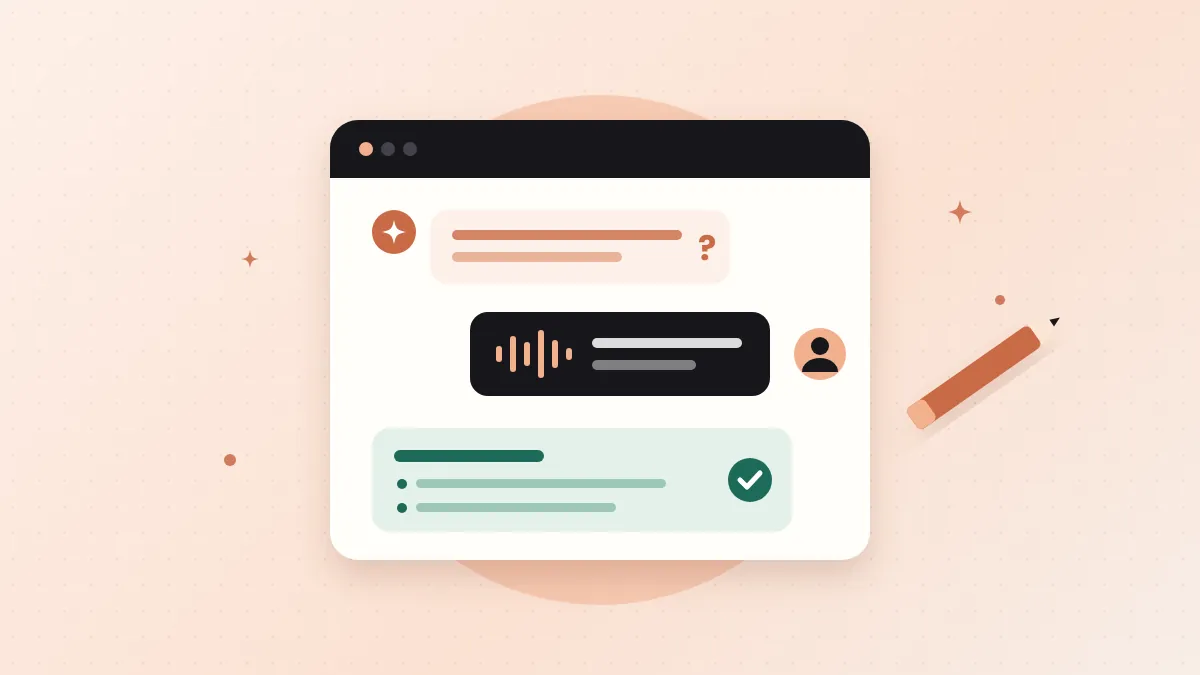
AI drafts sound generic because they start from nothing. Here's a simple 5-step workflow where AI interviews you first, so your blog post still sounds like you.
Can you write a blog post with AI and still sound like yourself? Yes. And AI can help you write faster too. I really believe that.
But there’s a problem.
You open ChatGPT, type “Write a blog post about…” and press enter. A few seconds later, you have a full post. The grammar is perfect. The structure looks fine.
Then you read it. And something feels off.
It doesn’t sound like you. It sounds like everyone.
If that has happened to you too, you’re not alone.
The good news? You don’t have to choose between speed and your own voice.
In this post, I’ll show you a simple 5-step workflow that fixes this. AI asks the questions. You give the answers. And the post still sounds like you.
In short
On this page
Maybe you’ve asked yourself this: “Why does my AI blog post sound so boring, even when the topic is good?”
Here’s the simple answer.
AI tools like ChatGPT learn from huge amounts of text on the internet. When you ask for something, they give you the most likely answer. In other words, the answer that sounds like what most people would write.
That’s great for a quick summary. But it’s a problem for a blog post that’s supposed to sound like you.
Think of it like ordering “a pizza” without saying which toppings you want. You’ll get something. It’ll be fine. But it won’t be your pizza.
So when your prompt is just “Write a blog post about X,” the AI fills every gap with average ideas, average examples and average words.
You can usually spot it in a few seconds:
So, here’s the fix. The problem isn’t the AI. It’s what we give it. If you give it nothing personal, you get nothing personal back. But when you feed it your own experience, the writing starts to sound like you.
| Typical AI prompt | Interview First method | |
|---|---|---|
| Who starts? | AI writes first | AI asks, you answer |
| Where ideas come from | The average of the internet | Your own experience |
| Examples | Generic | Real, from your work |
| Sounds like | Everyone | You |
That’s exactly what the workflow below does.
Before we start, let’s clear up the big fear.
“If I use AI, will Google punish my blog?”
It’s a fair question. And the honest answer comes from Google itself.
In its official guidance on AI-generated content, Google says it cares about the quality of content, not how it was made. Its systems aim to reward original, helpful content that shows E-E-A-T.
That’s short for Experience, Expertise, Authoritativeness and Trustworthiness. In simple words: does this post come from someone who has actually done the thing?
But there’s a catch.
Google also says that using AI mainly to game search rankings breaks its spam policies. So pumping out hundreds of thin AI posts is a bad idea.
And in its guide to creating helpful, people-first content, Google encourages you to be open about how your content was made, especially when readers might wonder.
Good to know
Using AI as a helper is fine. Using it to replace your experience is not. And experience is the one thing AI can’t fake for you. That’s why the workflow below starts with you, not with AI.
“Do I need to pay for a fancy AI writing tool?”
No. You can do everything in this post with free tools:
That’s it. No plugins. No subscriptions. You can write a blog post with AI today using what you already have.
Want more free tools for the rest of your blogging work? Here are 5 free AI tools every blogger should know about.
I call this the Interview First method.
The idea is simple. Most people ask AI to write. Here, AI asks you questions first. Your answers become the heart of the post.
Let’s go step by step.
Here’s a common mistake: picking a topic just because it gets searches, even if you’ve never done it.
When you don’t have real experience, you have nothing personal to add. So the post ends up generic, with or without AI.
Use this quick test: Could you talk about this topic for 10 minutes without notes? If yes, it’s a good topic. If not, pick another one, or go and try the thing first.
Open a new chat and paste this prompt:
I want to write a blog post about [topic] for [who it's for]. Before you write anything, interview me. Ask me 8 questions, one at a time, to pull out my own experience, examples, mistakes and opinions on this topic. Wait for my answer before you ask the next question.Now just answer. Don’t try to sound smart. Don’t worry about typos.
Talk like you’re explaining it to a friend over coffee. If you can, use voice typing. Your real voice comes out much more when you speak.
When the interview is done, paste this:
Using only my answers above, create a blog post outline. Give me a working title, a one-line promise for the reader, and H2 headings with 2 or 3 bullet points under each. Keep my examples and my wording where you can. Don't add any facts I didn't give you.Now read the outline carefully. AI likes to add “filler” points to make the outline look complete. If you see a point you never said, and can’t back up, delete it.
Your outline should feel like your own thinking, just better organized.
This is where most people go wrong. They ask AI to write the whole post in one go.
Don’t.
Write one section at a time. Dump your rough notes for that section, then use this prompt:
Here are my rough notes for one section of my post. Turn them into a clear paragraph. Keep my words, my examples and my opinions. Don't add new facts. Use short sentences and plain English.
[paste your notes]
Then read it and change anything that doesn’t sound like you. Swap fancy words for the words you actually use.
Think of AI as your editor, not your ghostwriter.
When the full draft is ready, run one last check:
Read my blog post below. Point out sentences that sound generic, robotic or like AI wrote them, and any claim that needs a source. Don't rewrite the post. Just give me the list.
[paste your post]
Fix what it finds. Then do the most important test of all: read the post out loud.
If you wouldn’t say a sentence to a friend, rewrite it.
Reading about a workflow is easy. Trying it is where it clicks.
So don’t wait for the “perfect” topic. Do a small test today.
Your quick test
You’ll see the difference right away. One sounds like the internet. The other sounds like you.
Even with a good workflow, a few mistakes can sneak in. Here are the ones to watch for.
Watch out for these
Yes, as long as you use it as a helper. Your ideas, experience and final edit should still come from you. That’s what makes a post worth reading.
Not just for using AI. Google says it rewards helpful, original content however it’s made. But using AI mainly to manipulate search rankings goes against its spam policies.
Being open builds trust. Google also encourages explaining how content was made when readers might wonder. A short note like “I used AI to help organize my notes” is enough.
Yes. Every prompt in this post works in the free versions of ChatGPT, Gemini and Claude.
The one you’re comfortable with. ChatGPT, Gemini and Claude can all run this workflow. What matters most is what you give the AI, not which AI you use.
Start with your own experience, write one section at a time, keep your own words, and read the final post out loud. If it doesn’t sound like you talking, keep editing.
You don’t need to be a great writer to use AI well.
You just need to know your topic and be willing to talk about it.
AI can organize your thoughts, fix your grammar and save you from the blank page. But the stories, the opinions and the lessons? Those have to come from you.
So pick one topic this week and write a blog post with AI the Interview First way. Let AI interview you. And see how much more “you” your next post sounds.
You can do this. It’s easier than it looks.
Want the copy-paste version? This workflow, plus 4 more, is in my free AI Workflow Starter Kit. And for more tested workflows, browse the blog.

12+ years in digital marketing. I test every workflow on real work before I share it, free tools first.
More about me →Steps, a copy-paste prompt and the limits I found. Free, nothing to buy.
Get the Free Starter Kit →